A Python-based, keyboard-first desktop app for browsing, previewing and trimming, audio samples
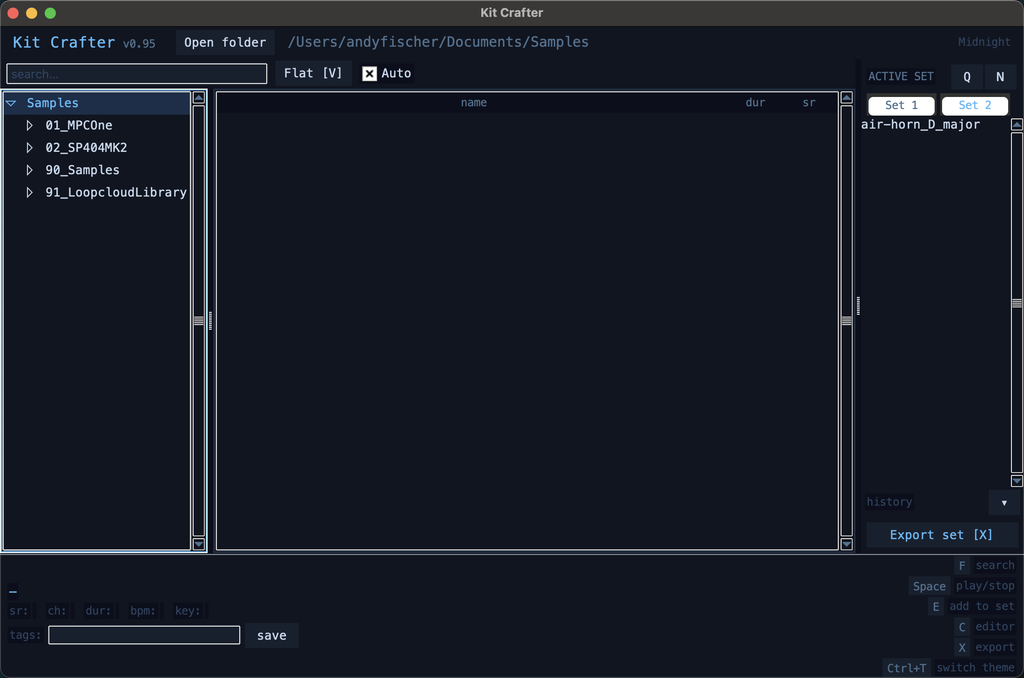
So. I built a thing.
Continue readingA Python-based, keyboard-first desktop app for browsing, previewing and trimming, audio samples
So. I built a thing.
Continue reading[This post has been updated a few days after it’s initial release: All the files are made available and various pieces of information have been added]
This project has been sponsored by PCBWay. Read below for more details on this.
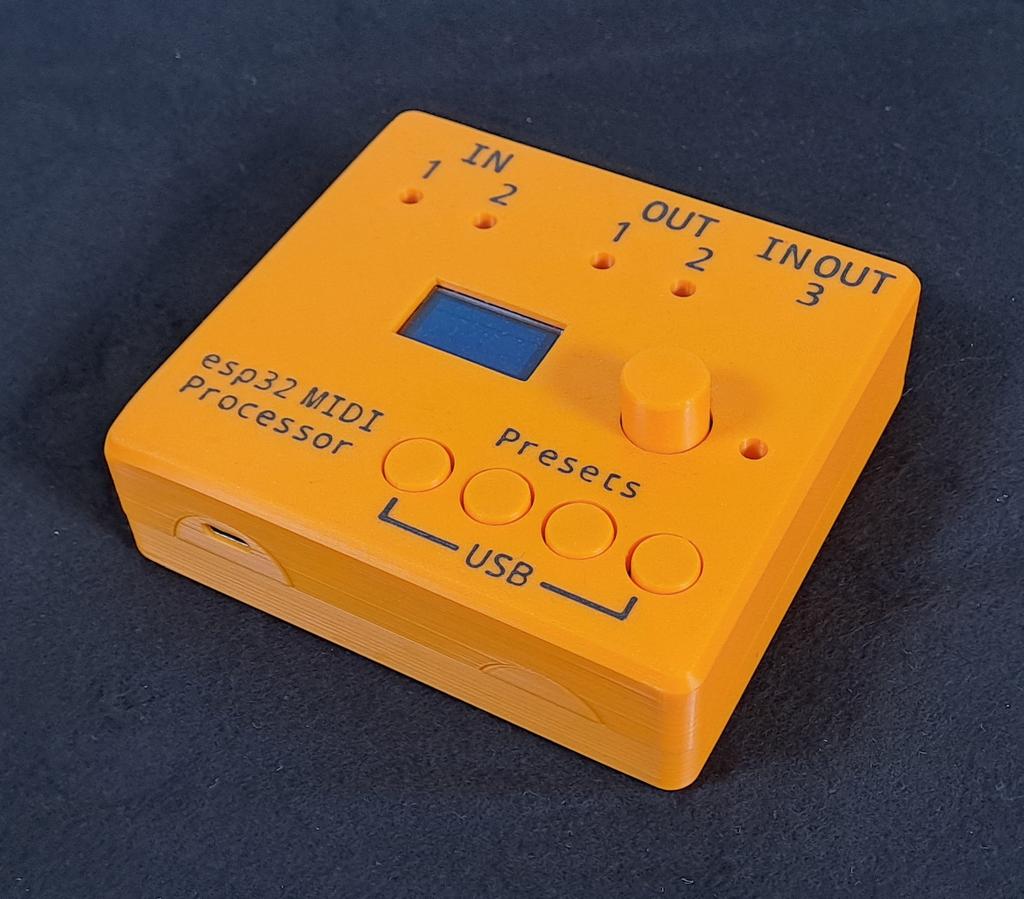
While developing the ClockBox I had some ideas that were not suited to be put into that project. However, they were too good to be gutted — at least for me. That’s why I developed the esp32 midi processor. In short: it’s an esp32 with 2 independent Midi IN- and 2 independent Midi OUTputs, a USB-host adapter and some buttons, etc. The circuit itself might also serve as a base for the next years of midi projects to come.
The first thing I built with this platform is a universal midi processor/modulator/merger.
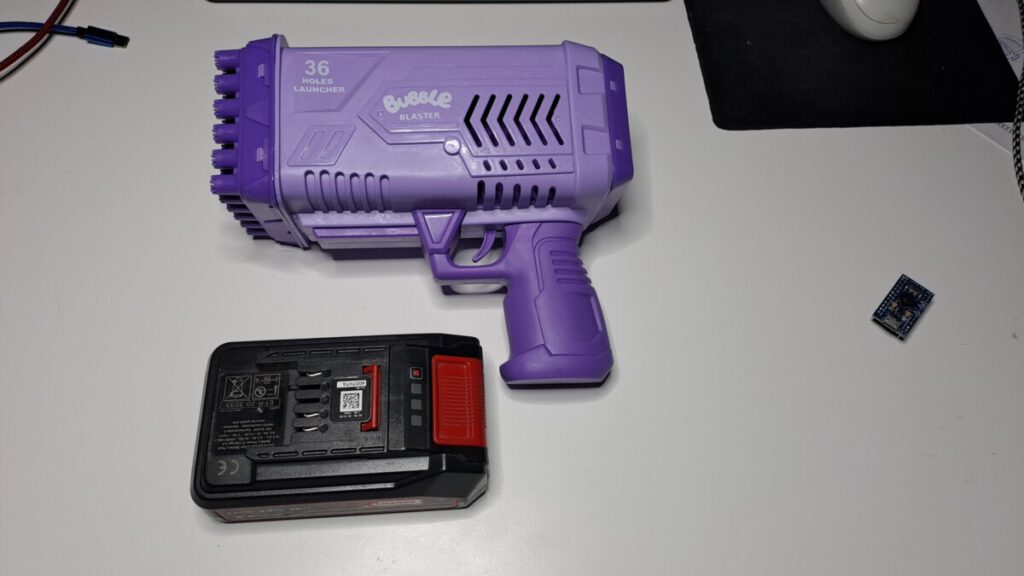
Seitdem die Kinder da sind, muss ich mir endlich keinen Grund mehr ausdenken, um Spielkram von Action mitzubringen. Und seitdem ich einen brauchbaren 3d-Drucker habe, ist das alles noch viel, viel besser geworden.
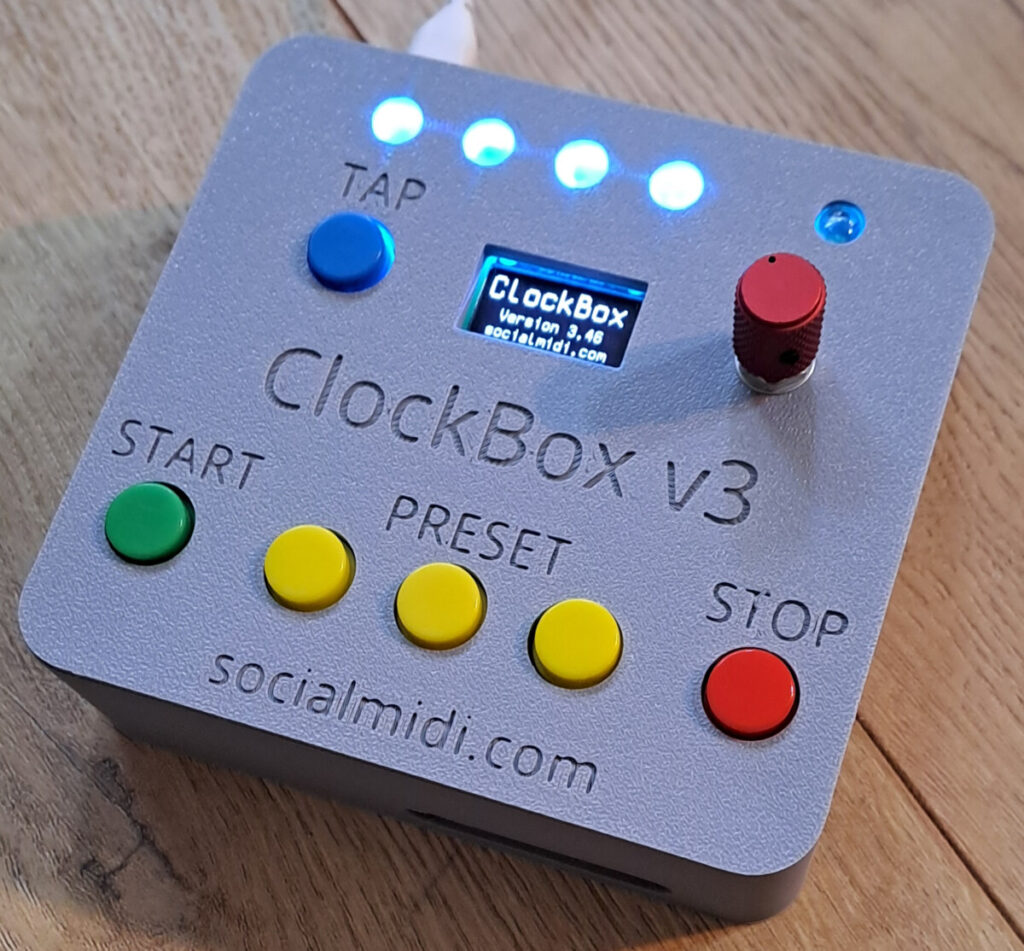
This is the ClockBox v3. It’s a tool that creates Midiclock data and sends them out via TRS-A connector and USB. It also provides DinSync compatible tempo data via (1/8″) TS-output.
I finally did it and built the smallest possible DJ System I can imagine. Have a look at this video to get an idea of its size and basic operation. It’s an early protoype, a little rough around the edges but it allows you to get a first impression.
The system is based around mixxx running on a Raspberry Pi 4. It’s battery-backed and allows for standalone operation of ~2.5 hours. It can be connected to a power outlet anytime for uninterrupted operation over a longer period. It features 2*mono out and allows to be connected to a mixing desk or an active speaker/ boombox.
Continue readingThe following script is always running but executes given commands only once after iobroker restarted (either via ‘iobroker restart’-command or via a system’s reboot). It does not need any additional objects etc. In this special case it checks in intervals if the Zigbee adapter is running, then restarts the adapter once (because of an issue that’s not part of this post). Please keep in mind: The script also executes every time it is saved.
/*
    To run once after iob start / restart / system reboot.
    By using an interval with a simple logic
    the script can run infinetely but only executes the given actions once.
*/
const CHECKINTERVAL_ZIGBEE = 7500; //minimum. Query-command is SLOW
var bRunOnce = false;

let waitforZigbeeRunning;
let waitforZigbeeRestart;

let mainInterval = setInterval(function(){
    if(!bRunOnce){
        bRunOnce = true;
        waitforZigbeeRunning = setInterval(function(){
            //exec is SLOW
            exec("iob status zigbee", function (error, stdout, stderr) {
                if(stdout.includes('is running')){
                    console.log('zigbee adapter detected as running. clearing checker-interval');
                    clearInterval(waitforZigbeeRunning);
                    waitforZigbeeRestart = setTimeout(function(){
                        console.log('run command 10 sec after clearing checker interval');
                        exec("iob restart zigbee", function (error, stdout, stderr) {});
                        sendTo('whatsapp-cmb.0', 'send', {
                            text: 'zigbee restartet 120 sec after clearing checker interval',
                        });
                    }, 120000);
                }else{
                    //console.log('zigbee adapter not running yet');
                }
            });
        }, CHECKINTERVAL_ZIGBEE);
    }
}, 1000);This code will record the video which is grabbed from an USB webcam and save it to a file. In parallel, it will output a preview to your screen by piping ffmpeg’s output into ffplay. The code is tested on a Raspberry Pi 5, the webcam in question is a Logitec c920. The output to screen has some noticeable lag and low resolution but it’s enough to help as a control.
ffmpeg -y -f v4l2 -input_format mjpeg -video_size 1280x720 -framerate 30 -i /dev/video0 -vcodec libx264 -an output.mp4 -f nut - | ffplay -i -